
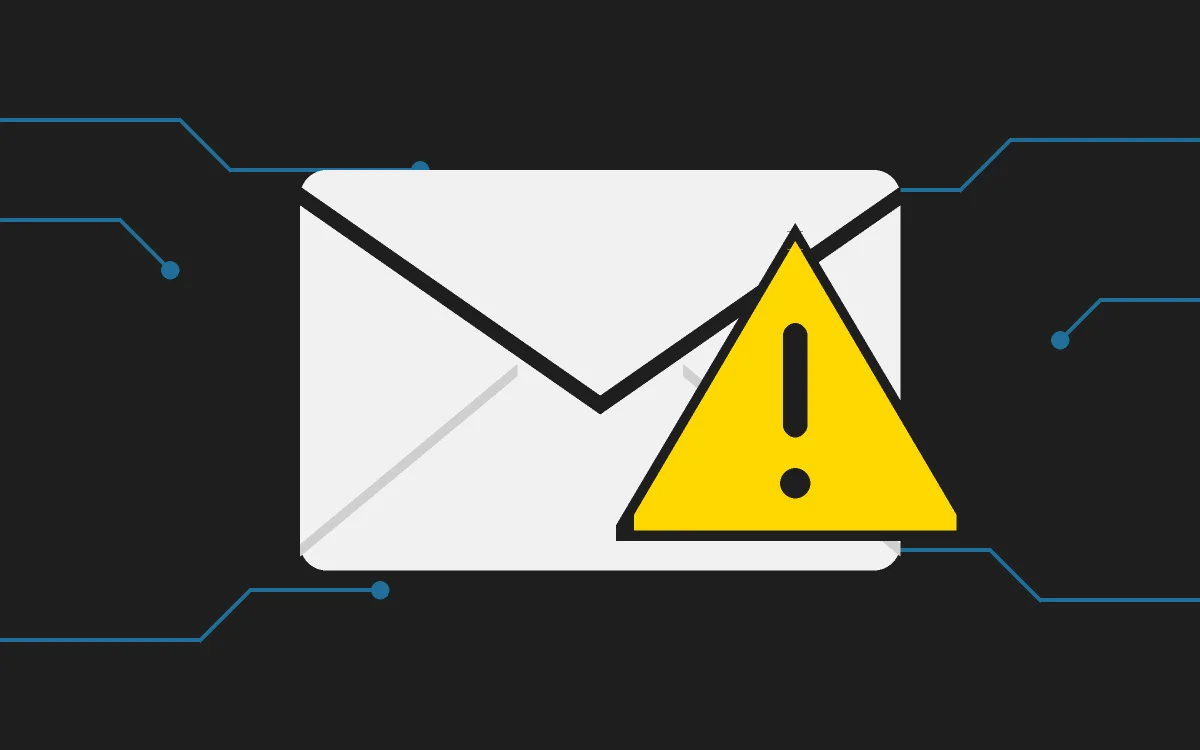
This fake email scam is now doing the rounds. Some of my clients and contacts have received emails from a Gmail address pretending to be me: . It is not me, and please do not reply to it.
What This Fake Email Scam Looks Like
It uses my name, job title and a copy of my signature. It claims there are important notices about your domain renewal, plugin renewals or an “outstanding app setup”. It gives a deadline and asks you to reply with one word: “Proceed”.
A reply tells the sender your address is live. The next message is usually a fake invoice or a request for your website or domain logins.
Why This Fake Email Scam Works
Older scam emails were full of obvious links and spelling mistakes. This one is different. It is short, polite and looks routine, because renewals for domains and plugins are something every website owner has to deal with.
Asking for a single word in reply feels harmless. But it confirms your address is real and gives the scammer a conversation to build on. Once someone replies, the follow-up usually asks for payment or for access to your website, hosting or domain account.
Any of those would give a scammer control of your website and email, so it is worth taking a minute to check before you respond.
How to Tell It’s Really Me
- Check the sender’s address. Anything genuine from me comes from an @johncorner.co.uk address, never Gmail.
- Look for specifics. I’ll always name the actual domain or service involved. Vague phrases like “plugin renewals” are a warning sign.
- Don’t act on a one-word reply request. If something needs paying or authorising, I’ll send a clear quote or invoice.
If You’ve Received One
- Don’t reply, even to say you know it’s a scam.
- Report it as phishing in your email app. In Gmail, open the three dots next to Reply and choose “Report phishing”.
- Forward it to the National Cyber Security Centre at .
- If you have already replied, change your website, hosting and domain passwords and let me know.
- If you’ve paid anything, tell your bank and report it to Report Fraud (Action Fraud) on 0300 123 2040.
Why Reporting It Matters
I have reported the account to Google and to the National Cyber Security Centre. Please report it too using the steps above, and share this post with anyone who might receive it. Gmail accounts are free and quick to set up, so the scammers can create a new one in minutes, which is why spotting the signs yourself matters more than waiting for an account to be shut down.
If you receive a similar fake email scam from a different address, the same checks apply. Look at the sender, look for specific details and never reply with a single word to authorise something.
Keeping Your Website Safe
If I look after your website, I will tell you well before any domain, hosting or plugin renewal is due, and the message will name exactly what is being renewed. If you would like that kind of care for your own site, take a look at my website care and support plans.
For more on spotting suspicious messages, see my post on what the Microsoft outage taught small businesses, which covers other scams that follow big news stories.
Not Sure? Just Ask
If you’re ever unsure whether an email about your website, domain or hosting is genuine, ring me on 07359 768035 or email before doing anything.